Quran · Hifz · Focus
Less scrolling.
More Quran.
Awwab rests the apps that pull you away. To open them again, read Quran or finish your dhikr, while an AI teacher on your phone follows along, word by word.


Free on iPhone and Android. Blocking is always free.
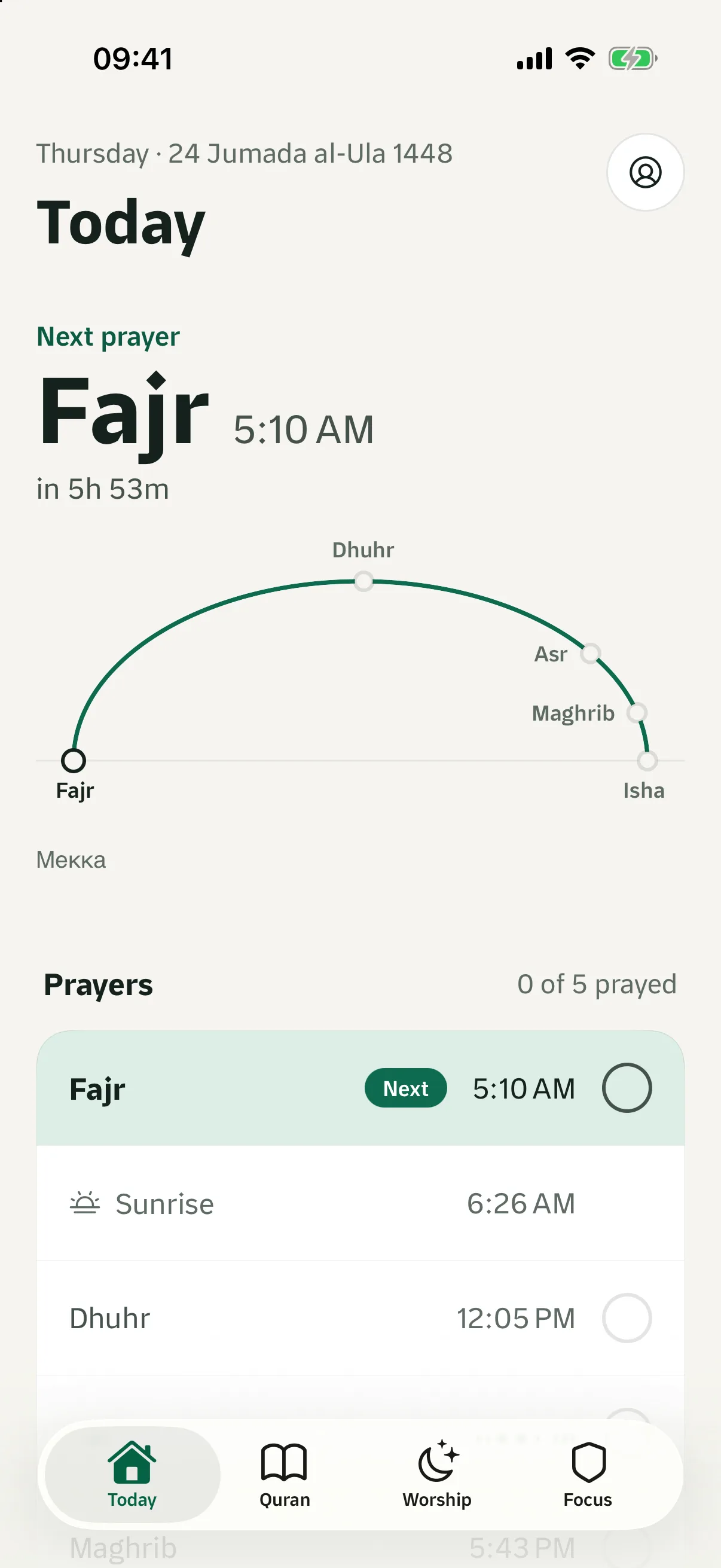
Focus
Recite to unlock.
- 01
Pick what pulls you away
Choose the apps that eat your day. Awwab uses Apple Screen Time on iPhone, so your app list stays private.
- 02
They rest
Those apps stay closed, and lock again on their own around the prayers you choose.
- 03
Read to open
Read a few minutes of Quran or finish your tasbih. The teacher follows every word.
- 04
Back, with a clearer heart
Your apps open for a while. The ayat you read stay with you.
AI Quran teacher
A teacher in your pocket, listening to every word.
Word by word
Follows your recitation live and stops you gently at a mistake.
Tajweed notes
Kind notes on madd, ghunnah and more, never a red mark for something permitted.
Memorisation mode
Each ayah stays covered until you recite it from memory.
Beginner to hafiz
Choose how strict it is, and change it any time.
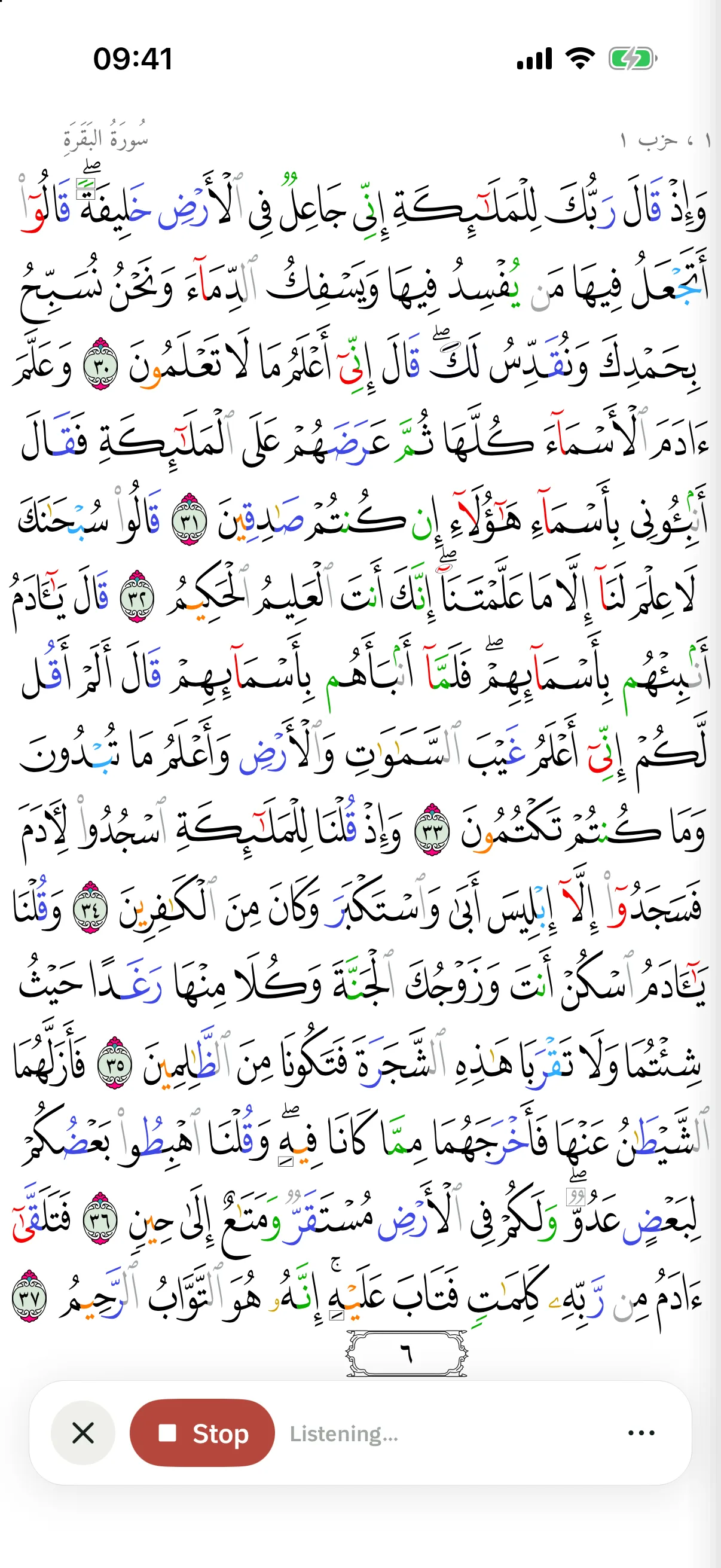
It runs on your phone. Your voice is never uploaded.
Everything in one calm place
Built for the whole day, and the whole family.
Revise with the great reciters
Famous reciters take turns ayah by ayah. When you least expect it, the turn is yours.
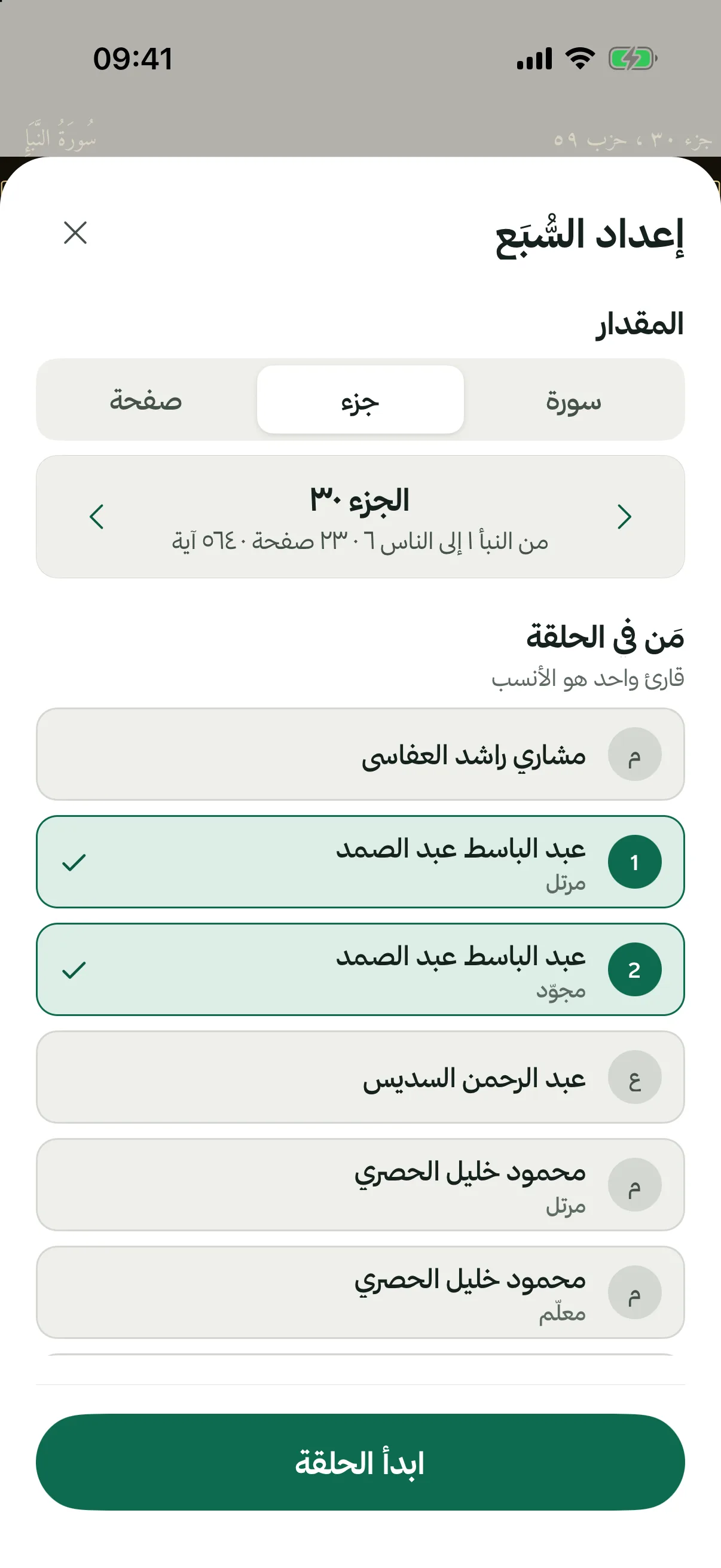
Wird circle
Read the same pages each day with family and friends. Just names and a check when you’re done, no chat, no pressure.
Hifz for kids
Set up your child’s phone with a parent PIN. They earn screen time by reciting their surahs.
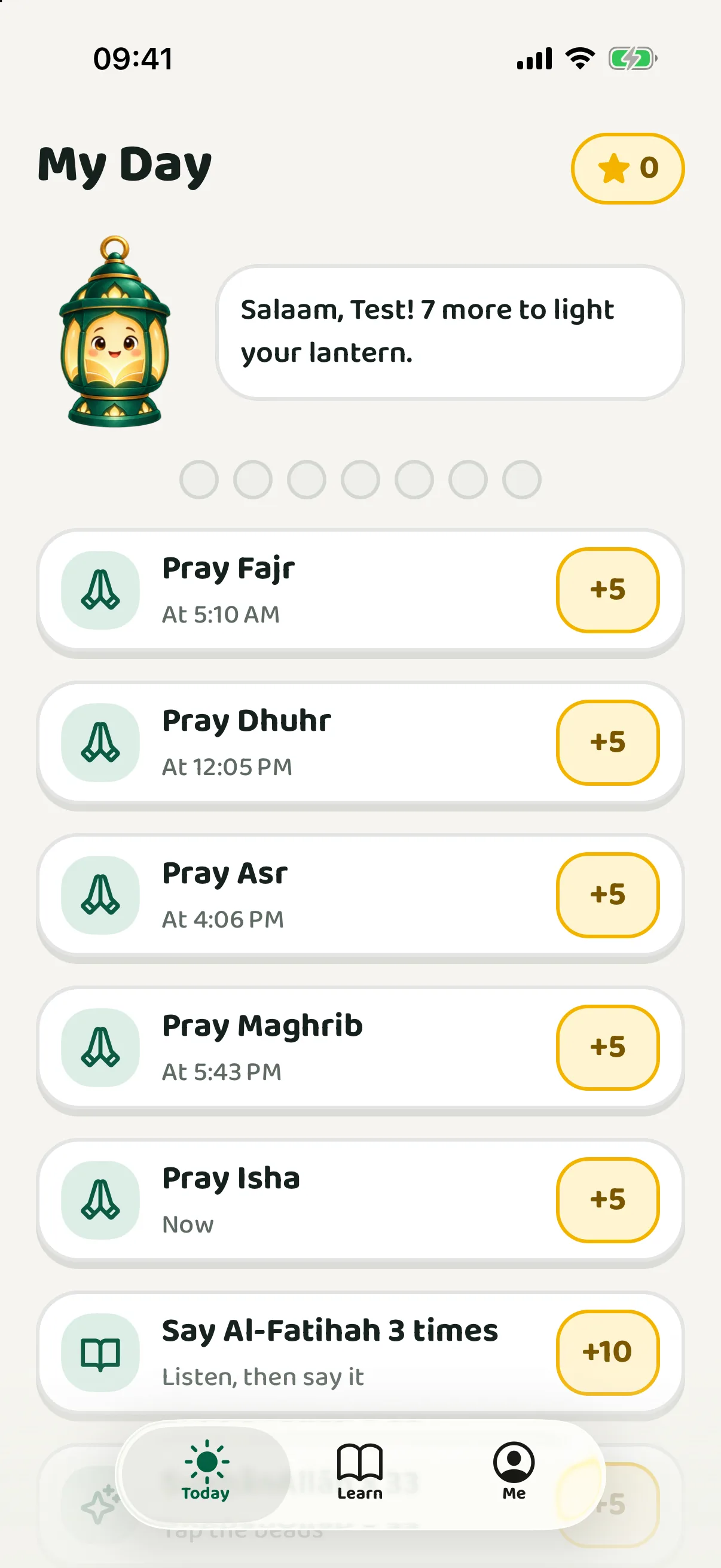
A complete Quran
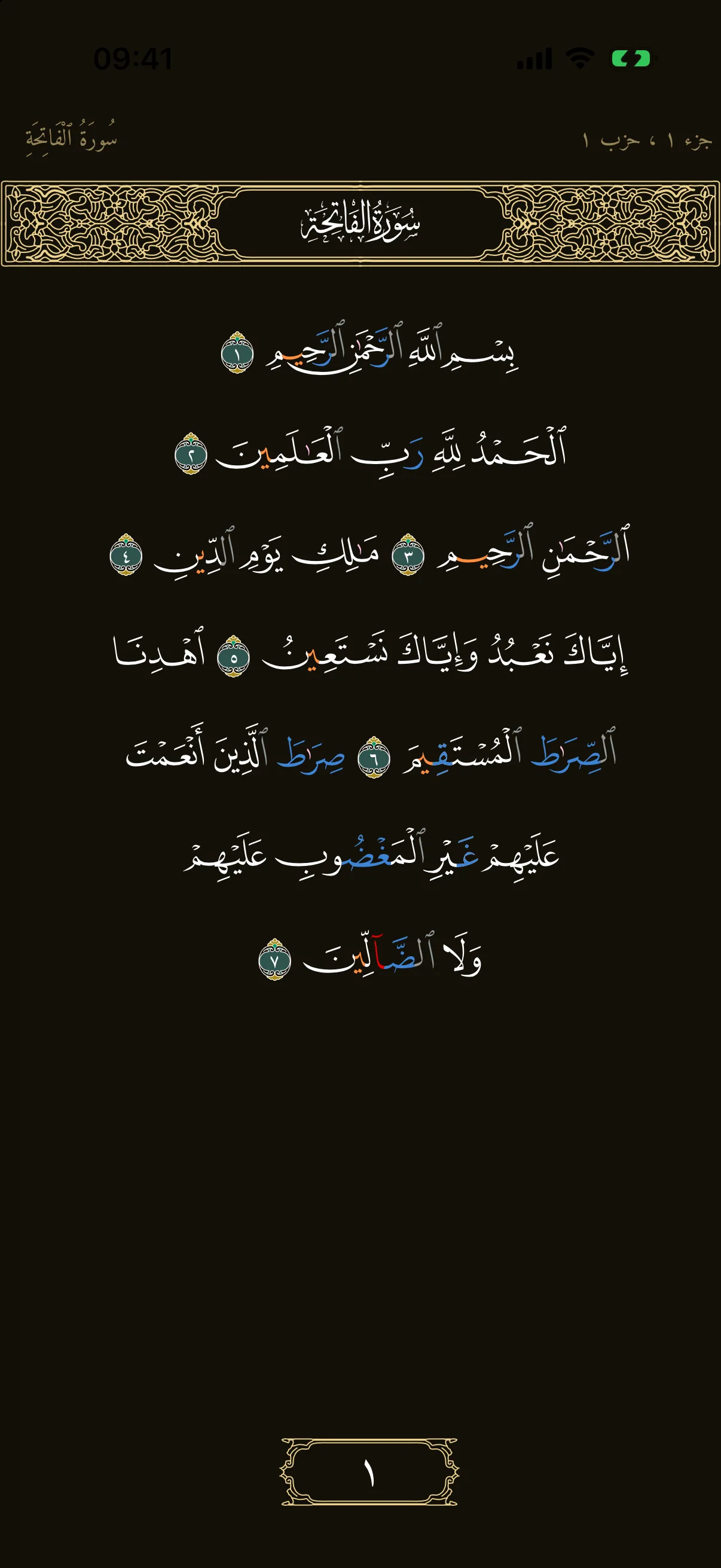
Madinah mushaf with colour-coded tajweed, translations, tafsir and search.
Prayer, adhkar, tasbih
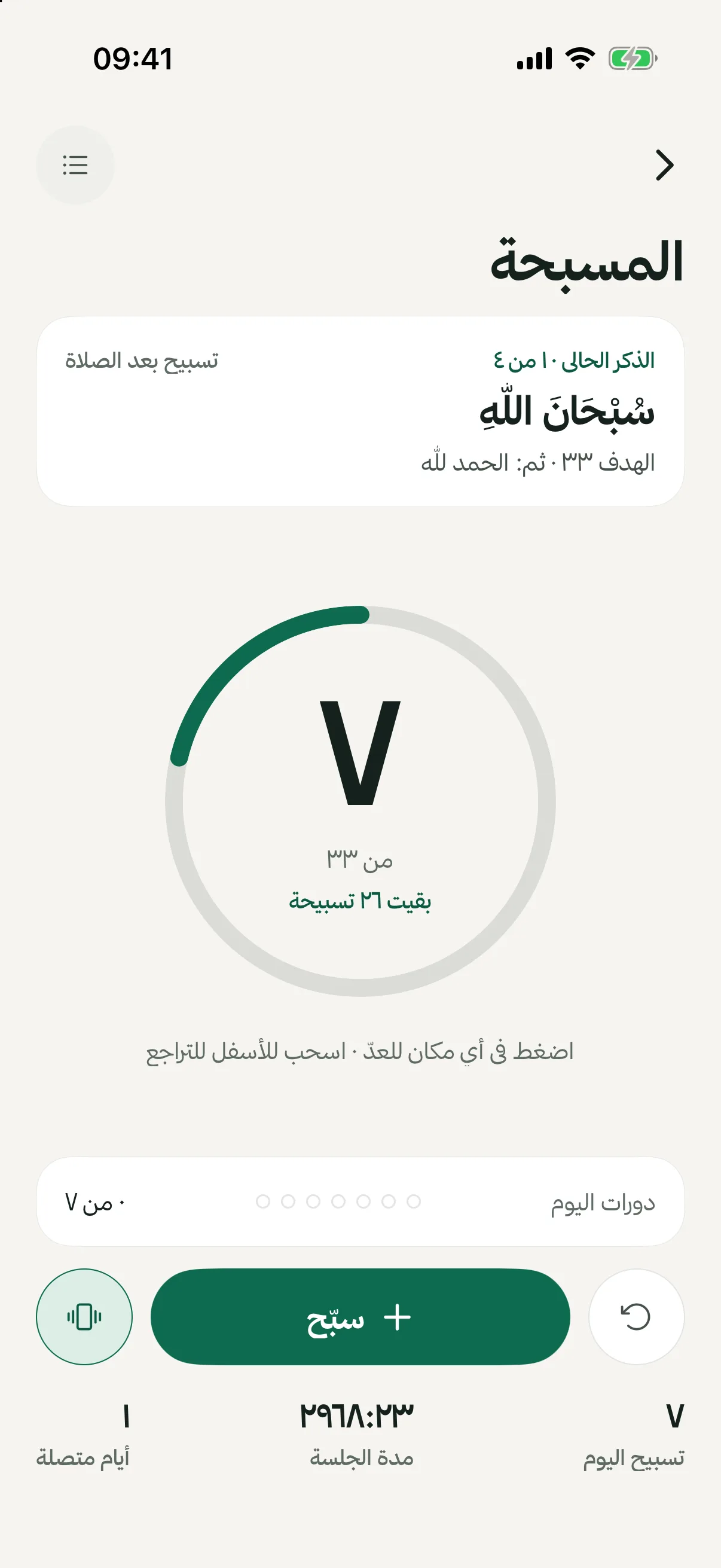
Prayer times and athan, morning and evening adhkar, widgets and the Hijri calendar.
Why “Awwab”
أوّاب
One who keeps returning.
Awwab (أوّاب) is how Allah describes Sulayman: a servant who turns back to Him again and again. That is the whole idea of the app. Not perfection, just returning.
وَوَهَبۡنَا لِدَاوُۥدَ سُلَيۡمَٰنَۚ نِعۡمَ ٱلۡعَبۡدُ إِنَّهُۥٓ أَوَّابٌ ٣٠“And to David We gave Solomon. An excellent servant, indeed he was one repeatedly turning back [to Allah].”
Speaks your language
- English
- العربية
- Soomaali
- Türkçe
- Español
- Bahasa Indonesia
- Русский
Start with one surah today.
Free on iPhone and Android.
Scan to download